Roblox does not offer a global playtime counter accessible with a single click. The platform is gradually rolling out tracking tools, but their availability varies by accounts, regions, and devices. For players who want to quantify their hours spent on the platform, the answer often lies outside of Roblox.
Roblox Native Tracking: A Still Partial Feature

Roblox has introduced a screen time management feature in its parental control settings. It allows users to set a daily playtime and view the duration spent on the platform throughout the day, with configurable limits and alerts.
The problem: this option is not yet available for all users or on all devices. Some accounts have access, while others do not, without any obvious logic. Roblox has not communicated a specific timeline for a full rollout.
For those who have it, the tool can be found in the account settings, under “Parental Controls” or “Screen Time Management.” It displays the playtime for the current day, useful for daily tracking but without a cumulative history over several weeks or months.
The available data does not allow for reconstructing a total number of hours since the account was created, which is the main limitation of this approach. As detailed in the Index Site Roblox guide, several complementary methods exist to address this shortcoming.
Roblox Playtime on iOS, Android, and Windows: Operating System Tools
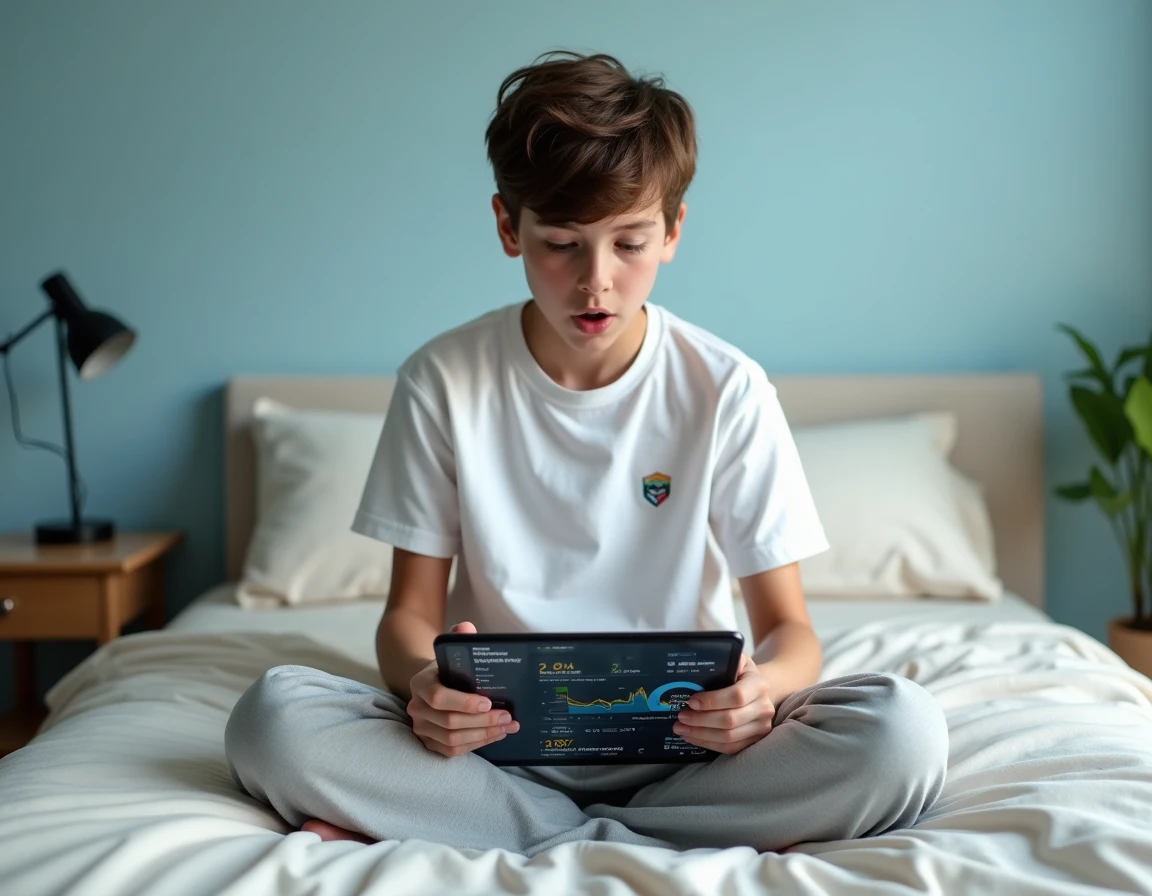
Mobile and desktop operating systems include their own counters, often more reliable than what Roblox offers internally.
On iOS, the “Screen Time” feature allows for tracking each app individually. A parent can mark Roblox as an app to monitor for a child’s profile, providing a cumulative view of time spent, by day and by week. The tracking works in the background without complex setup.
On Android, the “Digital Wellbeing” dashboard serves a similar role. The Roblox app appears in the list with daily usage time. Google Family Link offers weekly reports for supervised child accounts.
On Windows, Microsoft’s parental controls allow users to view the time spent on each app, including Roblox. The activity report is accessible from the Microsoft Family account, online or through system settings.
- iOS: Settings, then Screen Time, then select Roblox from the app list to view detailed statistics
- Android: Settings, then Digital Wellbeing, then app usage dashboard
- Windows: Microsoft Family settings, then child activity report, app and games section
These tools only count the time spent on the specific device. A player who uses Roblox on both phone and PC will need to combine the data from each platform to get a total.
Xbox, PlayStation, and Nintendo Consoles: Often More Readable Tracking
Console manufacturers provide reports of playtime by title, and Roblox appears as a distinct game. This is sometimes the simplest method to obtain accurate tracking.
On Xbox, parental controls display the time spent per child, per day and per week. On PlayStation, similar reports are accessible via the family account. On Nintendo Switch, the mobile parental control app provides a detailed history of playtime by title.
Consoles often offer more precise and readable tracking than on mobile or PC, as the time is automatically counted without additional manipulation. For a parent looking to limit or simply measure their child’s Roblox time, this is an effective workaround.
RoPro Extension and Third-Party Games: Variable Reliability
On browser, the RoPro extension offers a playtime counter. It works, but with a size limitation: RoPro only counts the time since the extension was installed. Hours played before its activation are not recoverable.
Some games directly on the Roblox platform claim to display the total time of an account. One of them, called “Check Your Hours,” charges access in Robux. Feedback on this point varies: several users report that these games provide unreliable data, even completely fabricated. There is no verified mechanism allowing a third-party game to access the complete playtime history of a Roblox account via the public API.
- RoPro (Chrome/Edge extension): reliable tracking but only from the installation date, limited to the browser
- Roblox games “Check Your Hours”: unverifiable data, paid access in Robux, considered unreliable by the community
- BTRoblox (browser extension): adds features to the Roblox interface but does not offer a global playtime counter
The safest approach remains to combine the native tracking of the operating system with the RoPro extension for browser play, accepting that the total time since the account was created remains inaccessible without a dedicated official tool.
Roblox has hinted that a global account tracking feature is in development. In the meantime, the most comprehensive solution involves using the tools of each device, compiled manually. Not ideal, but it’s the only way to get a realistic estimate.